01Pair
Scan, type six digits, or just ask.
Every session shows a single-use QR code and pairing code. Simulators and development builds find the relay on their own.
devtools.connection.pairWithQr(scanned)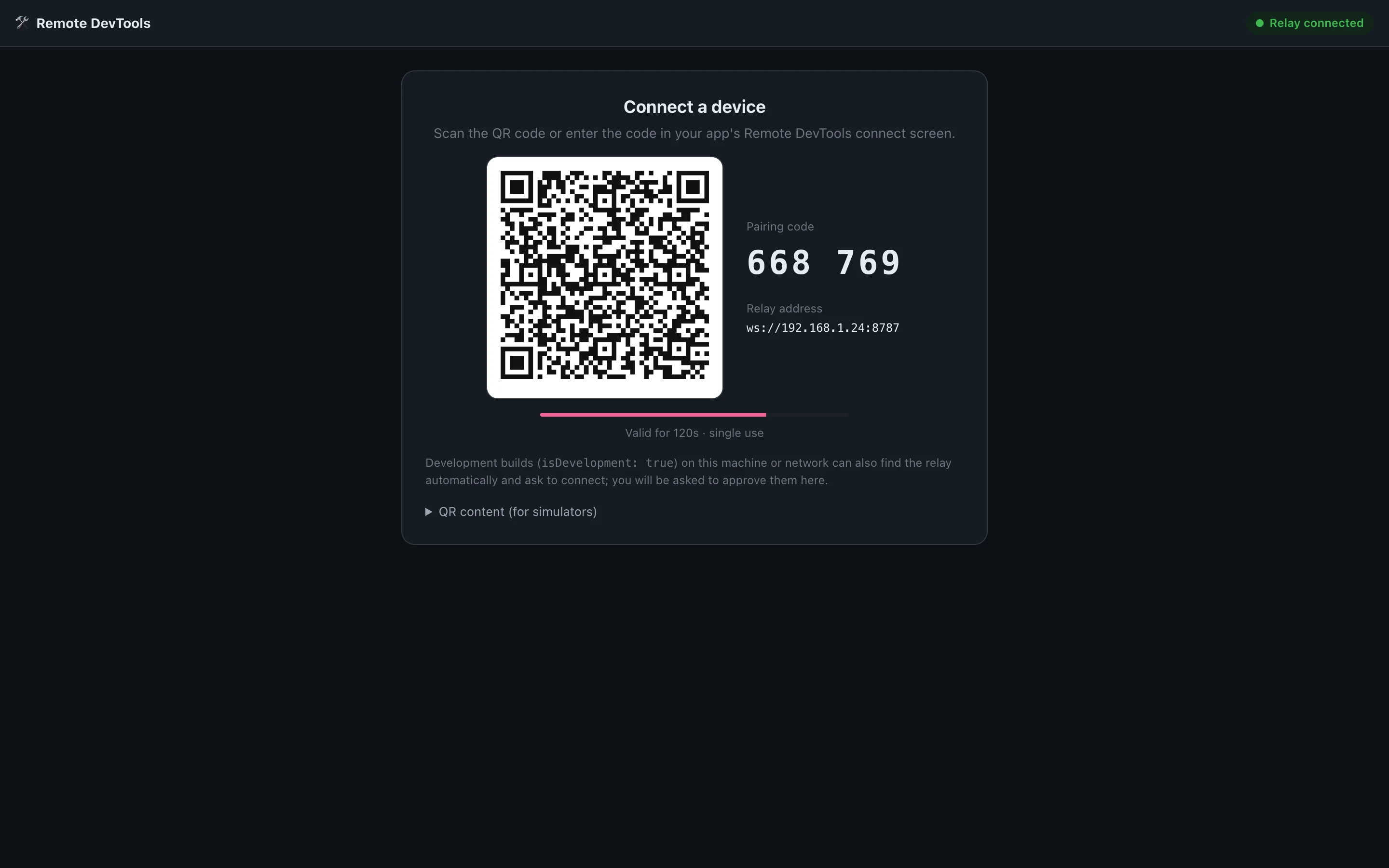
 Remote DevTools
Open source · React Native · Expo · Web
Add a small SDK, pair with a QR code, and inspect logs, network traffic, state, storage and feature flags of a running app — on a simulator, a test phone, or a build in someone else's hands.
01Pair
Every session shows a single-use QR code and pairing code. Simulators and development builds find the relay on their own.
devtools.connection.pairWithQr(scanned)02Approve
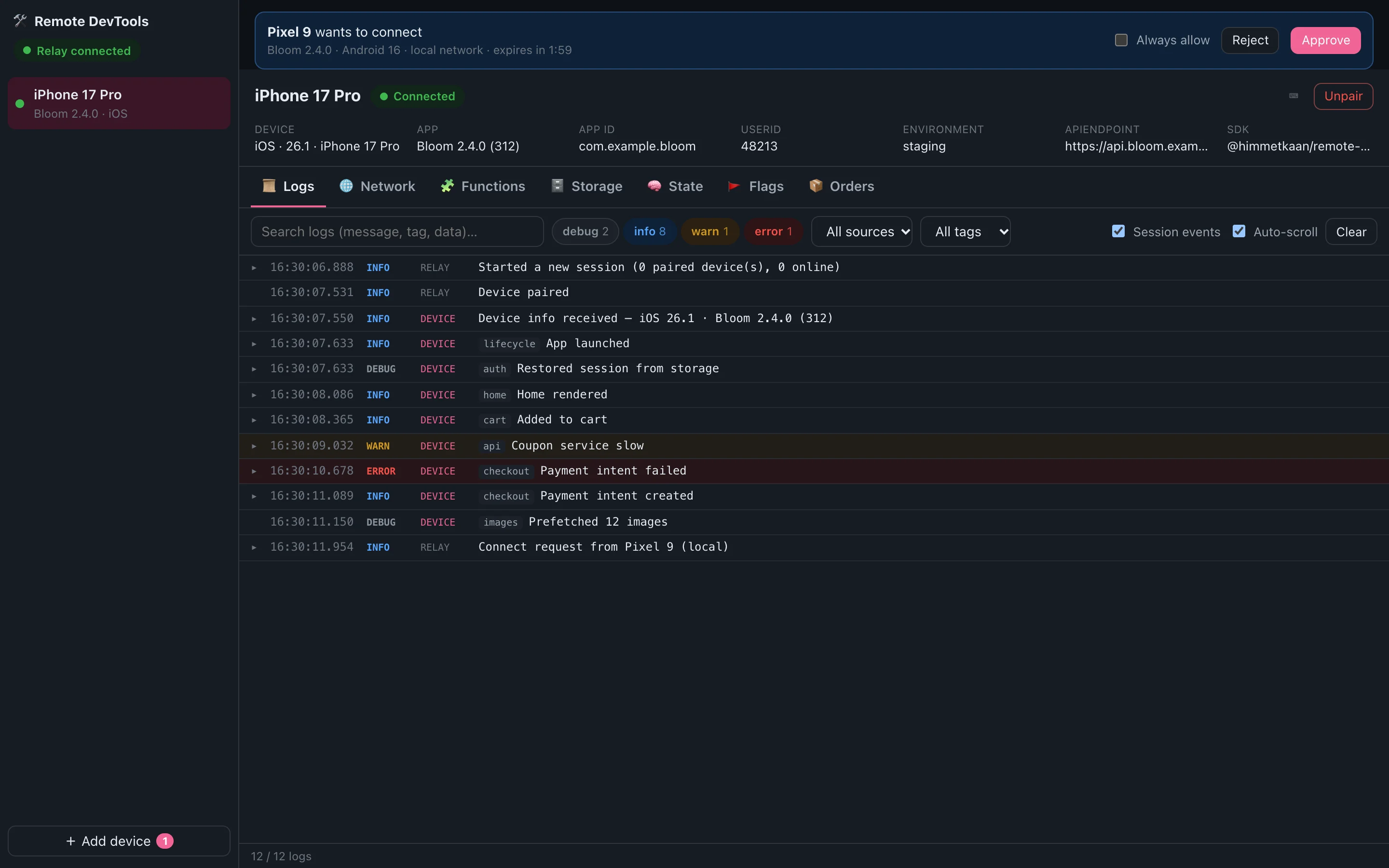
A development build on your network asks to connect. Approve it once, or always for that device and app.
isDevelopment: __DEV__03Logs
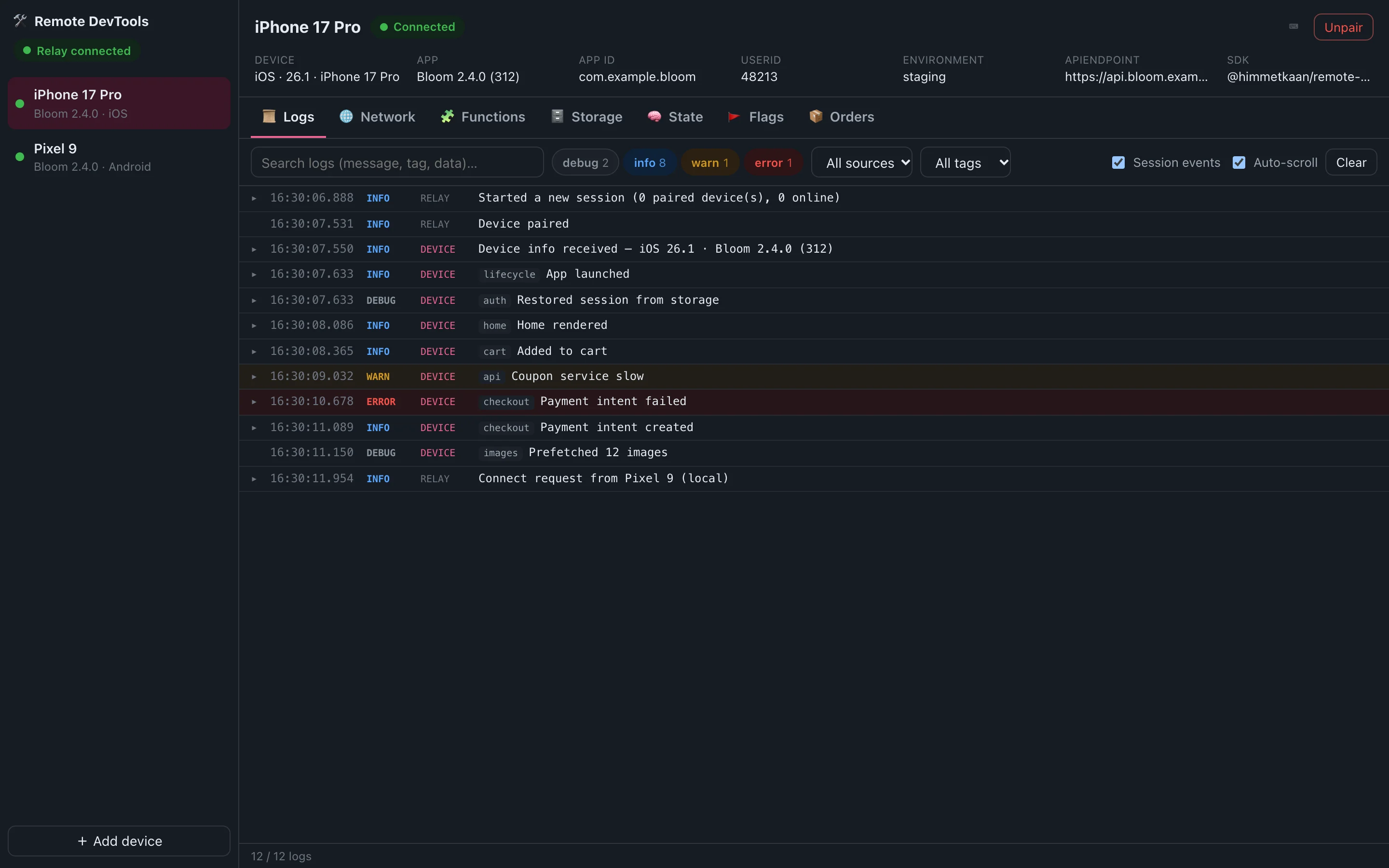
Levels, tags and structured data, captured console output, and the events from before the device connected.
devtools.log.error('Payment failed', error, {tag: 'checkout'})04Network
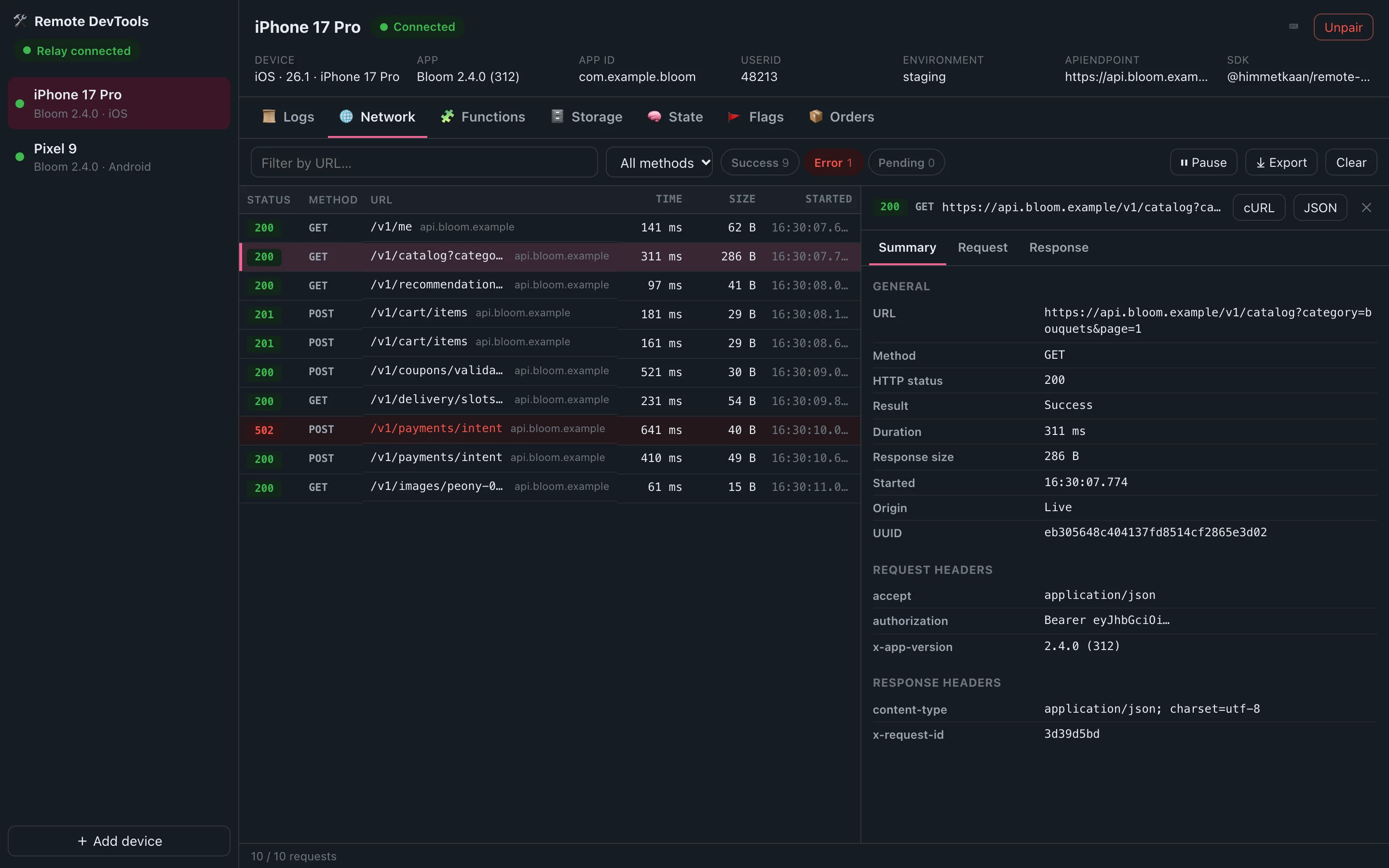
fetch, XMLHttpRequest and axios are captured automatically. Inspect headers and bodies, copy as cURL, export HAR.
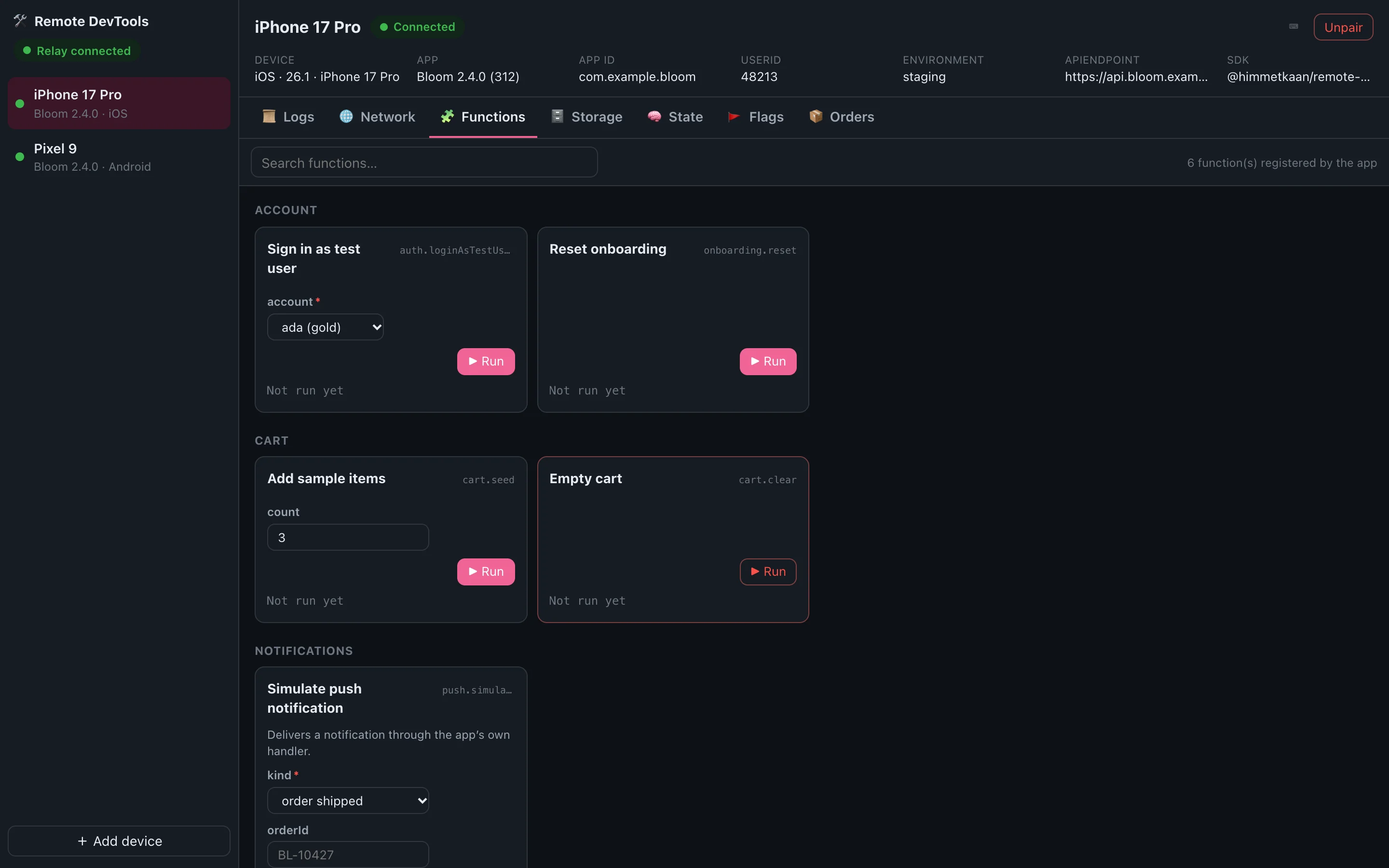
networkModule()05Functions
Register functions in the app; the UI turns their arguments into forms and shows the result.
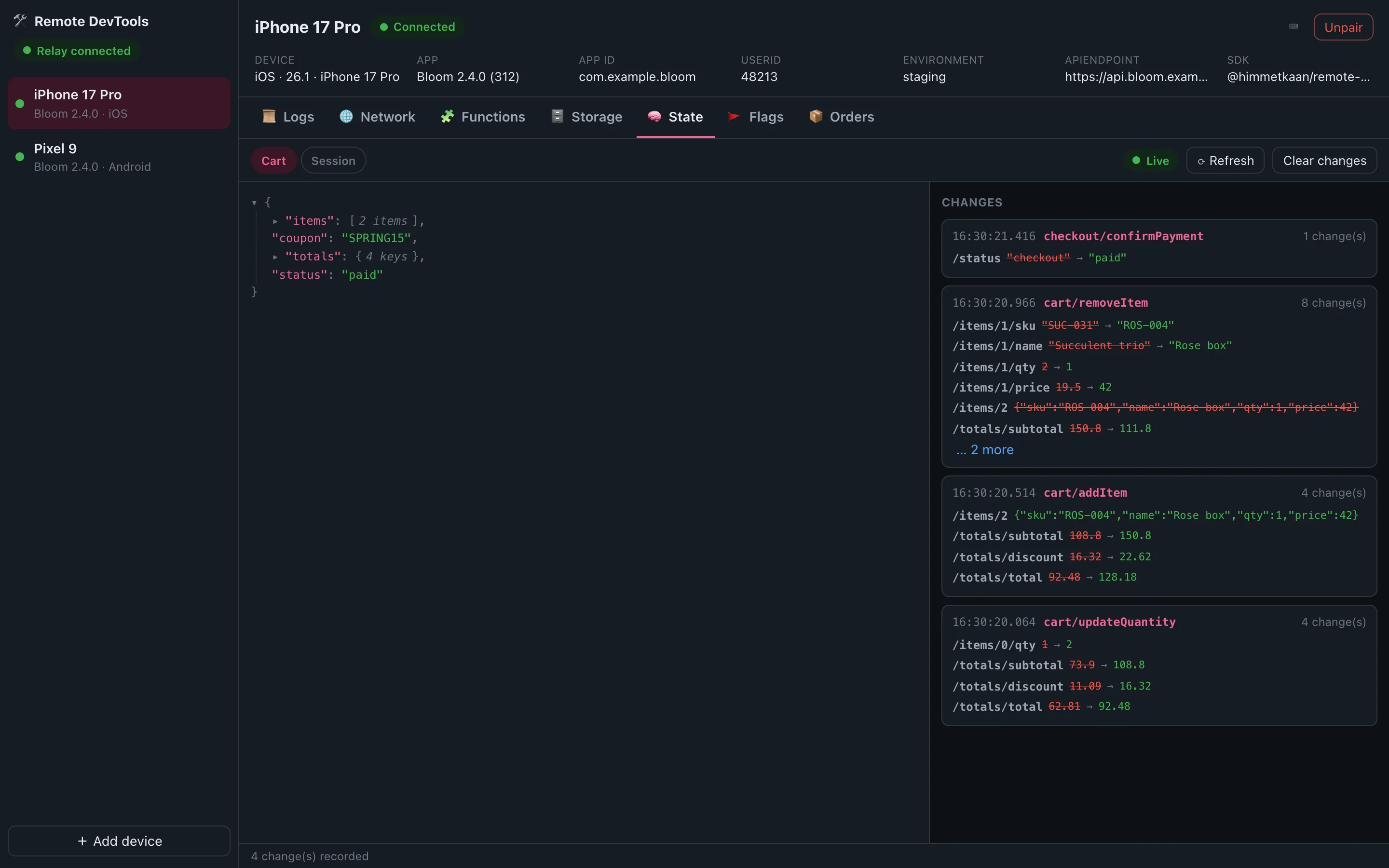
functions.register({id: 'cart.seed', title: 'Add sample items', handler})06State
Redux and Zustand state as a live tree, with every change as old → new — sent as small JSON patches.
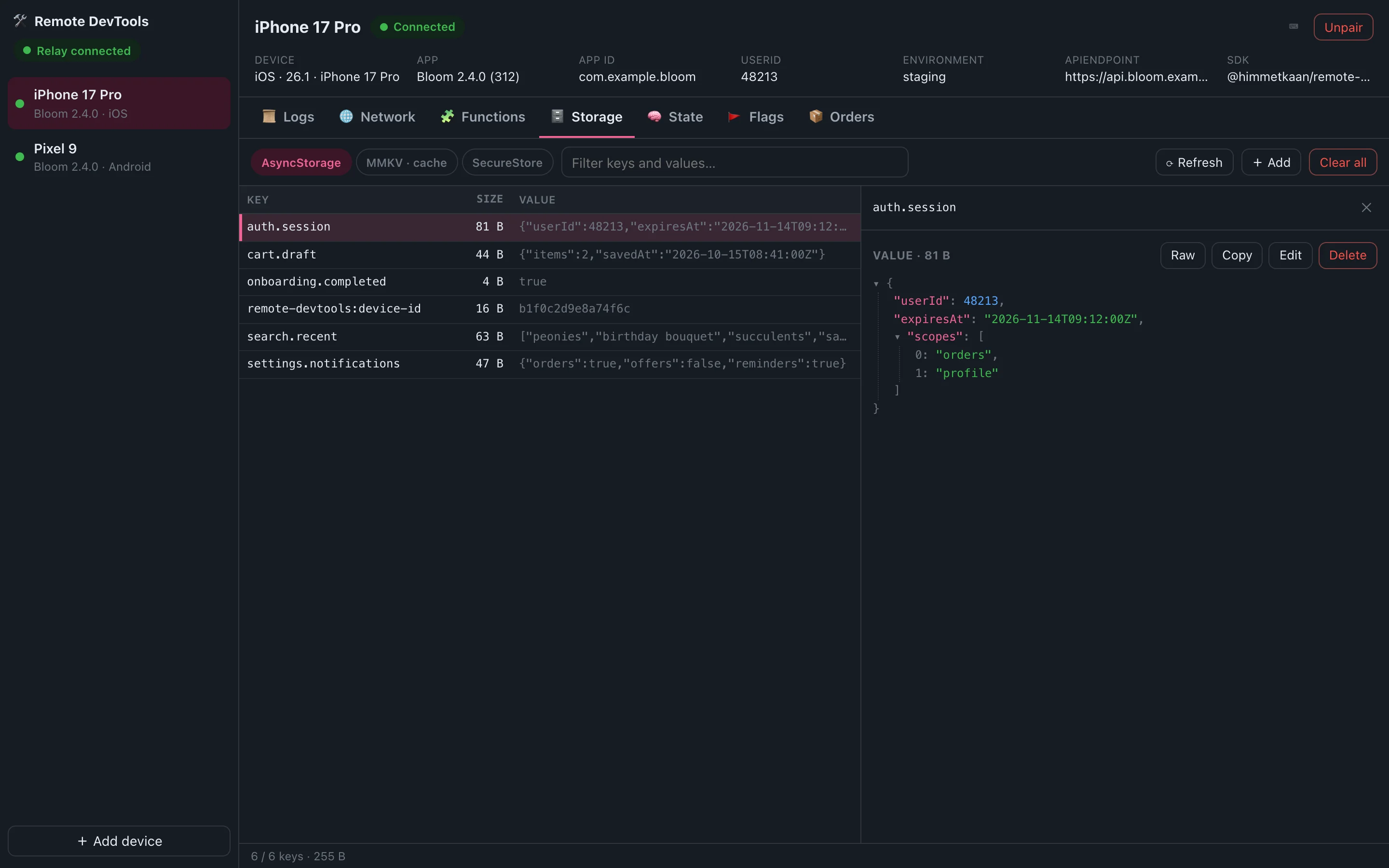
stateModule({stores: [zustandAdapter(useCart)]})07Storage
Browse, edit and delete keys in AsyncStorage, MMKV and localStorage. SecureStore stays read-only and masked.
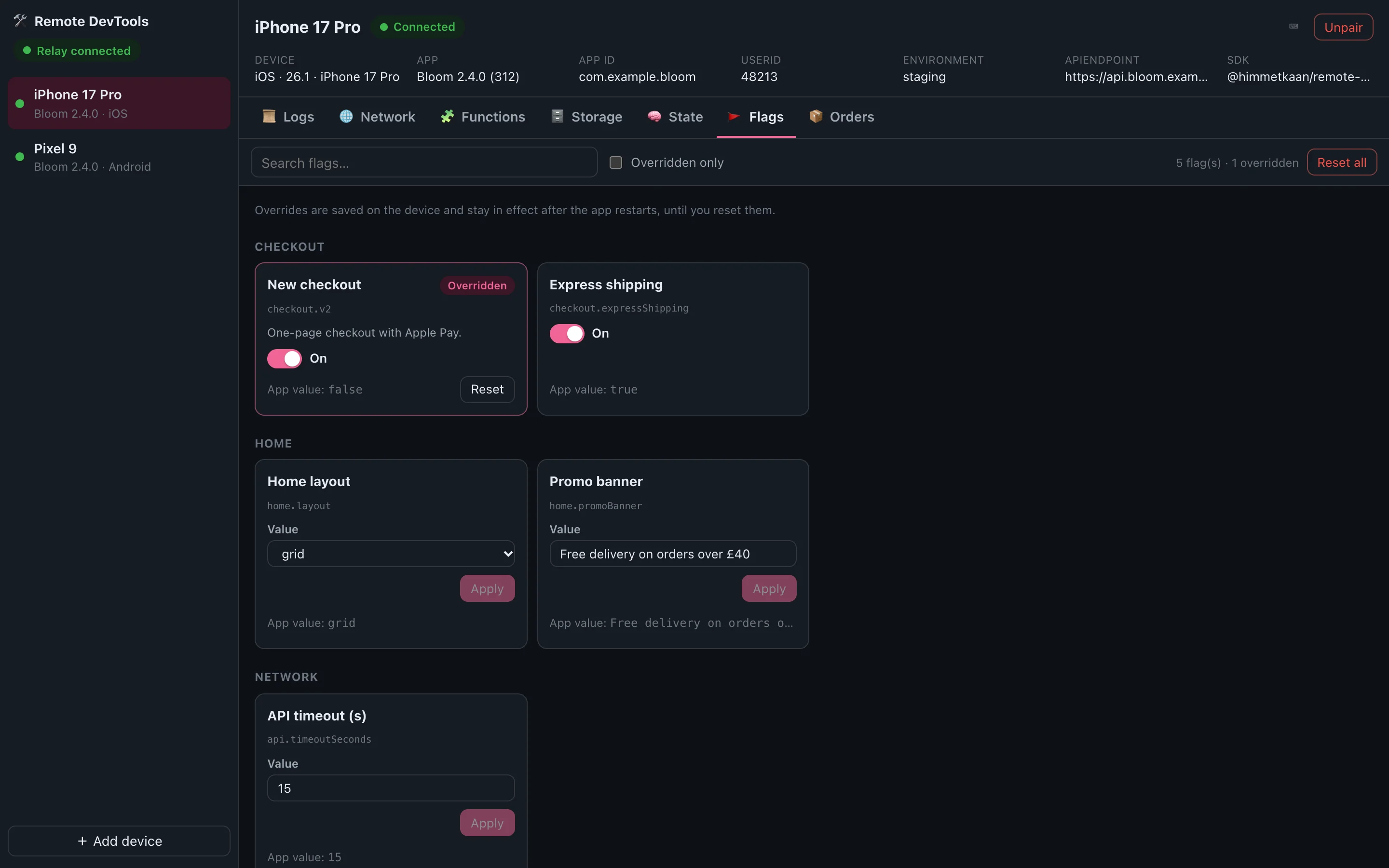
storageModule({adapters: [asyncStorageAdapter(AsyncStorage)]})08Flags
Typed flags with editors for their type. Overrides persist on the device until you reset them.
flags.define({key: 'checkout.v2', field: {type: 'boolean'}})09Custom panels
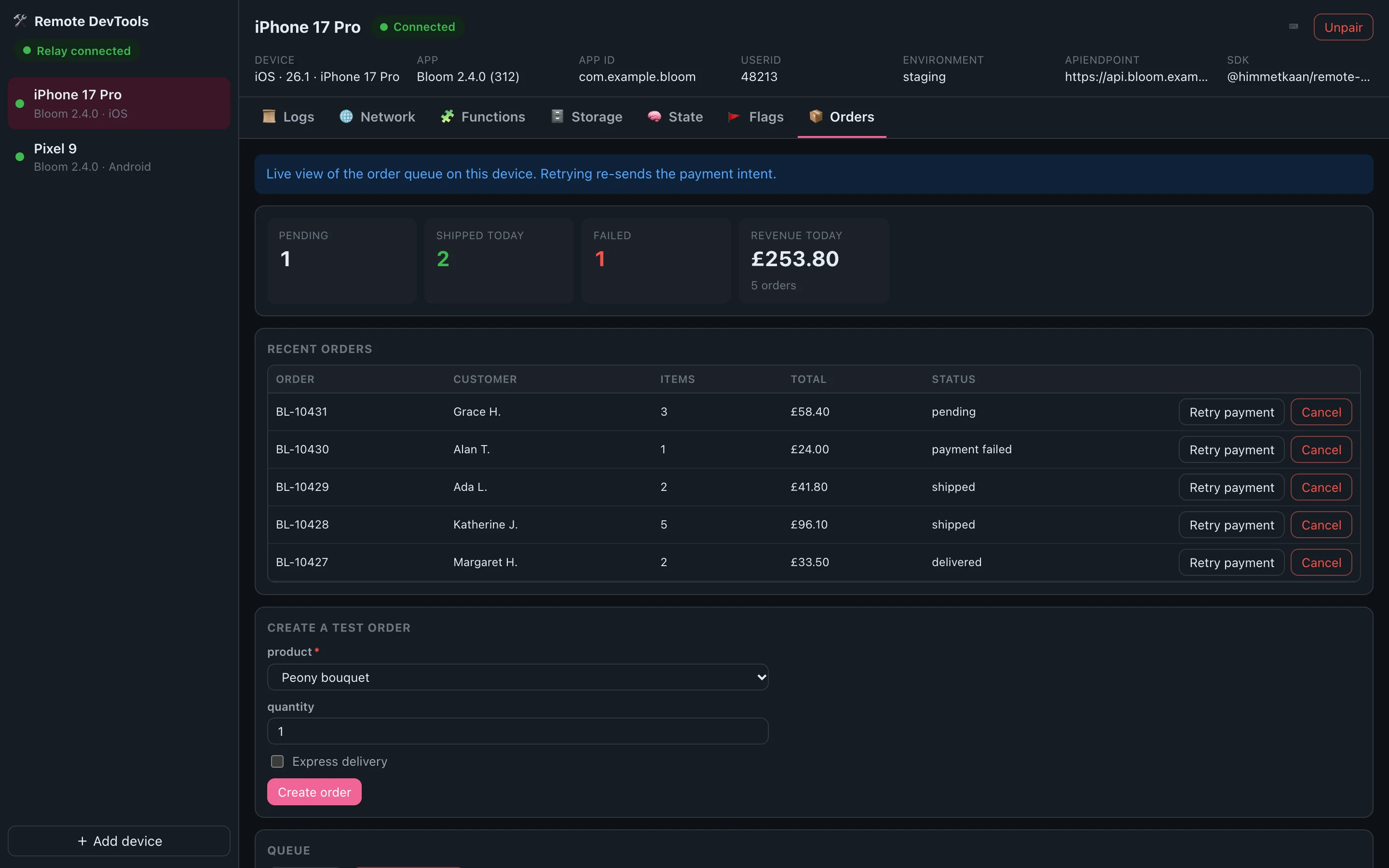
Describe stats, tables, forms and buttons; the UI draws them and your handlers run in the app.
panels.define({id: 'orders', title: 'Orders', blocks})Relay and UI in one signed, notarized macOS app. Updates itself, and can announce itself over Bonjour.
One Docker image with the relay and the web UI. Put it behind TLS and pair devices from anywhere.
A documented WebSocket protocol and field DSL, so SDKs for Swift, Kotlin or Flutter plug into the same UI.
import {RemoteDevTools, networkModule} from '@himmetkaan/remote-devtools';

const devtools = RemoteDevTools.init({
    enabled: __DEV__,
    app: {id: 'com.example.app', name: 'Example', version: '1.0.0'},
    modules: [networkModule()],
});
devtools.log.info('Hello from the app');